Open peering policy
DFIX route servers peer with any member ASN. Bilateral policy is owned by the members themselves — we do not enforce or mediate.
Data Facilities Internet Exchange — open peering policy, RPKI-supported route servers, jumbo MTU. Native on every BareFABRIC Port. Formerly known as LSIX.
DFIX is the Data Facilities Internet Exchange — the IX in the room at THG1, accessible from any BareFABRIC Port at any of the 14 fabric facilities.
DFIX was previously known as LSIX (LayerSwitch Internet Exchange). The rename consolidates the IX under the Data Facilities brand and the BareFABRIC platform — every BareFABRIC Port carries DFIX peering, free, from the moment it lights.
Route-server sessions only at v1 launch — members peer bilaterally via the IX as usual. We support RPKI on the route servers. The PeeringDB record (re-titled DFIX) lists the full member roster.
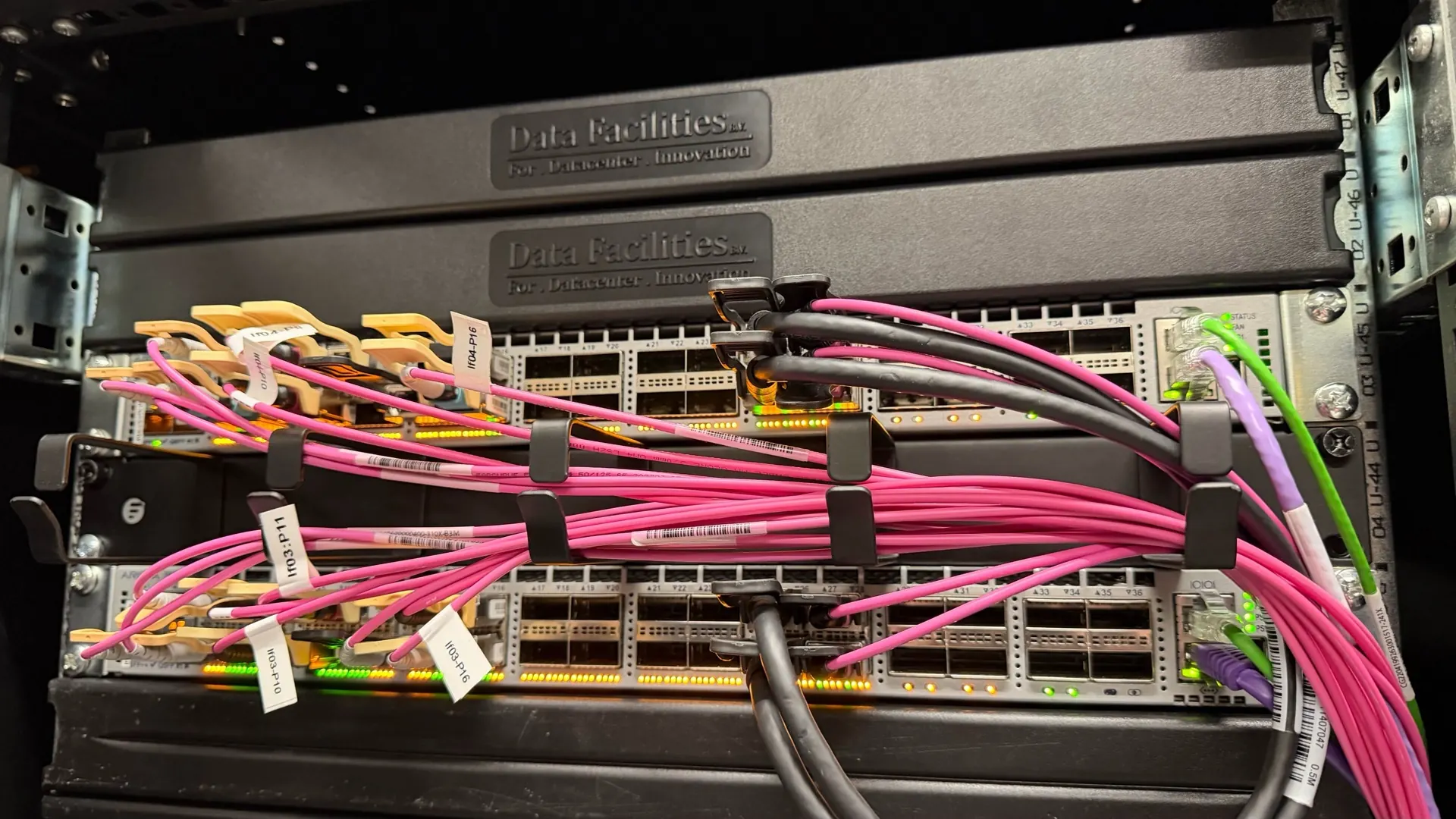
DFIX route servers peer with any member ASN. Bilateral policy is owned by the members themselves — we do not enforce or mediate.
Route Origin Authorisations validated against the RPKI repository. Drop-invalid by default on the route server.
Land at THG1 directly, or peer DFIX from any other BareFABRIC facility — the IX VLAN extends across the fabric.
The PeeringDB record (re-titled DFIX) carries the member list, IP allocations and statistics.
DFIX peering is included on every BareFABRIC Port — these are the speeds available at the IX itself.
| Speed | Setup | Recurring | Notes |
|---|---|---|---|
| 10 G | None | Included on the BareFABRIC Port | SFP+ single-mode |
| 100 G | None | Included on the BareFABRIC Port | QSFP28 single-mode |
| 400 G | None | Included on the BareFABRIC Port | On request only at launch |
Order a BareFABRIC Port, enable the DFIX VLAN in the portal, register MAC + IPv4 + IPv6 + AS-SET. Route-server sessions come up automatically.


